Loading…
Loading…
SEE THE VIBRATION. KNOW THE NEXT STEP.
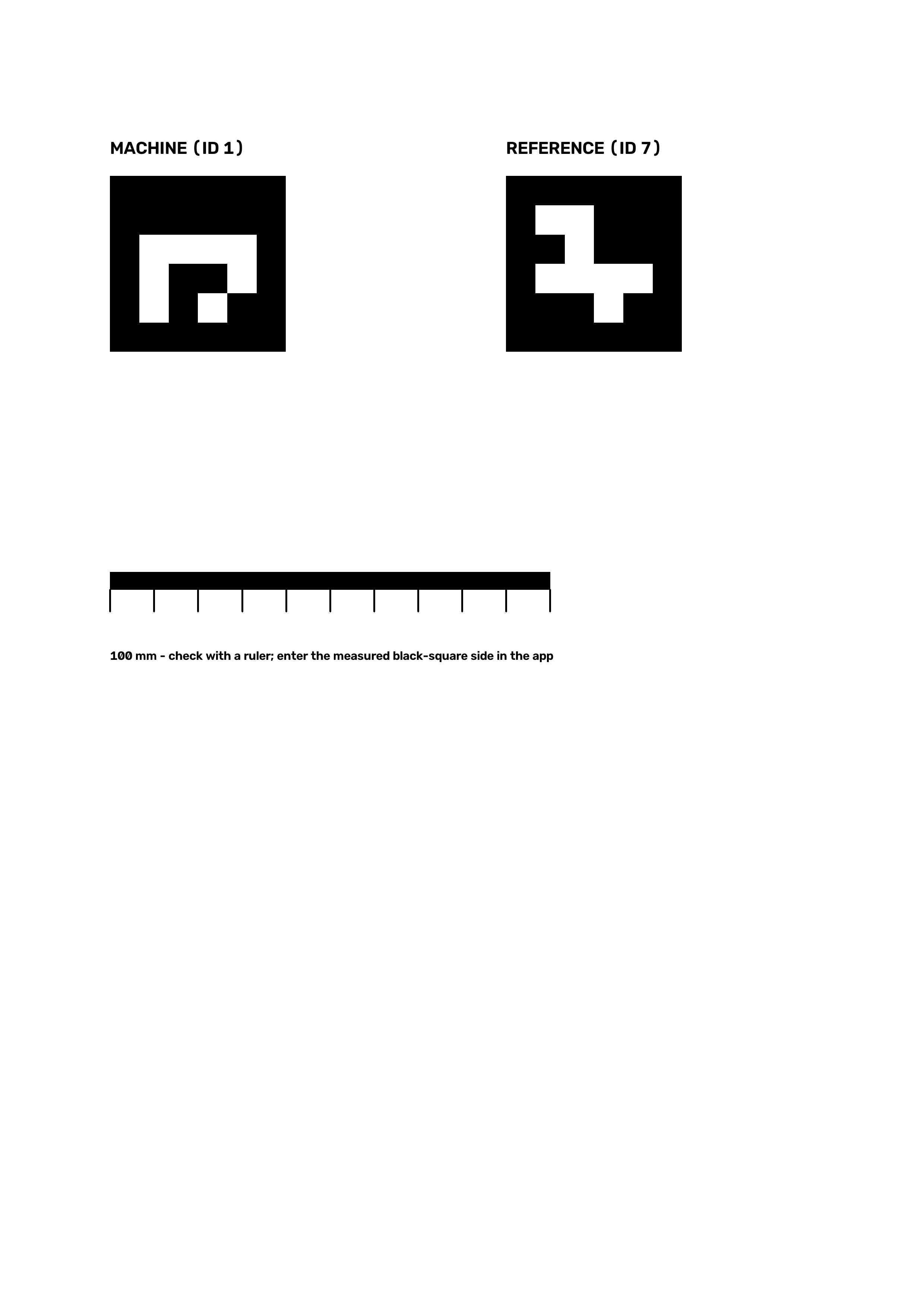
Stick a printed marker on the machine housing, record 10 seconds of slow motion, upload. VibraLens measures the vibration with OpenCV and an assistant tells you if the recording is good enough, or what to record next.
Explore four synthetic scenarios through the real OpenCV pipeline. Start with the baseline, then run the same fan with added mass to see the agent respond to a change.
No machines yet.
VibraLens checks capture timing, marker visibility and camera motion before interpreting a signal. When the evidence is weak, it asks for a better recording.
Current validation: synthetic recordings. Frequency and relative trends only; absolute vibration and ISO zones remain disabled until contact-sensor validation.
Each step shows what OpenCV observed and what the assistant did next.